
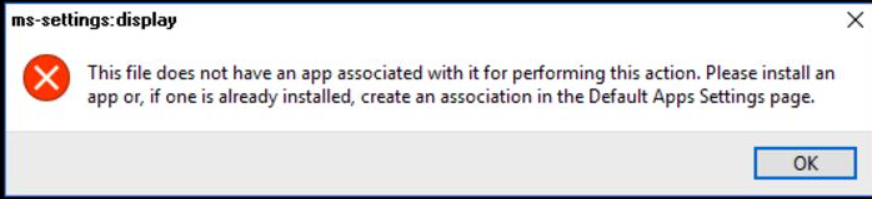
Xử lý lỗi "How to fix This file does not have an app associated with it for performing this action. Please install an app or, if one is already installed, create an association in the Default
B.1: Ctrl + Shift + Esc mở Task Manager.
B.2:
- Win 10: mở file -> run new task -> regedit
- Win 11: run new task -> regedit
B.3: Truy cập vào Computer\HKEY_CLASSES_ROOT\Inkfile.
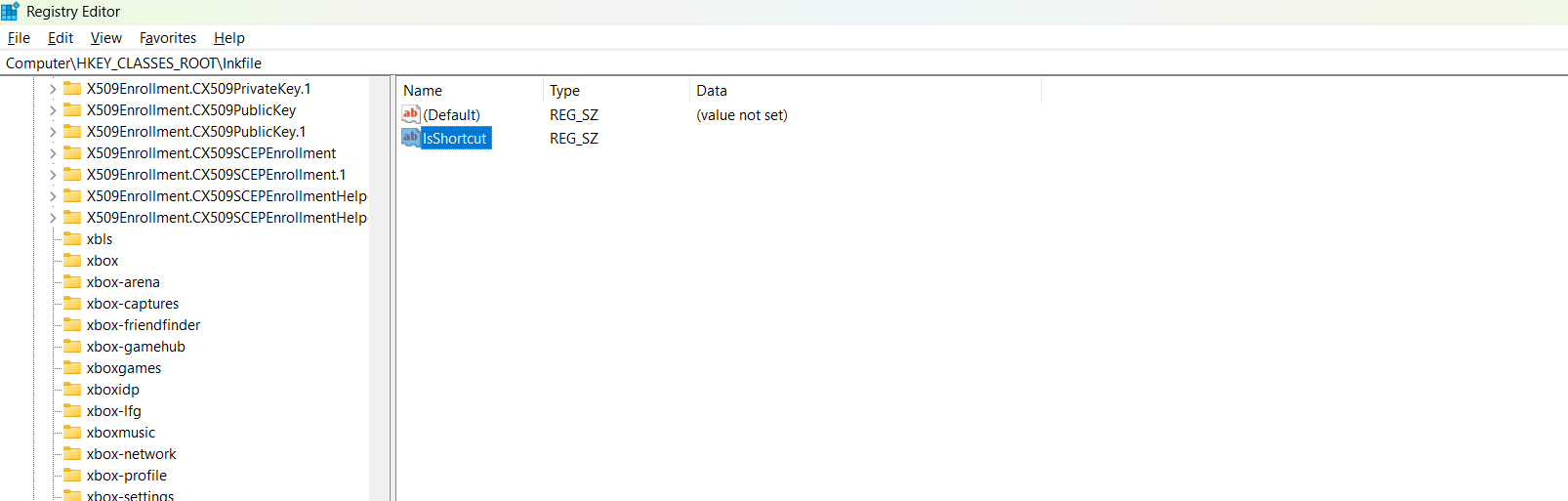
B.4: Xóa IsShortcut -> Tạo lại IsShortcut
B.5: Mở cmd (admin) chạy lệnh bên dưới
sfc /scannow
DISM /Online /Cleanup-Image /CheckHealth
DISM /Online /Cleanup-Image /ScanHealth
DISM /Online /Cleanup-Image /RestoreHealth
B.5 Restart